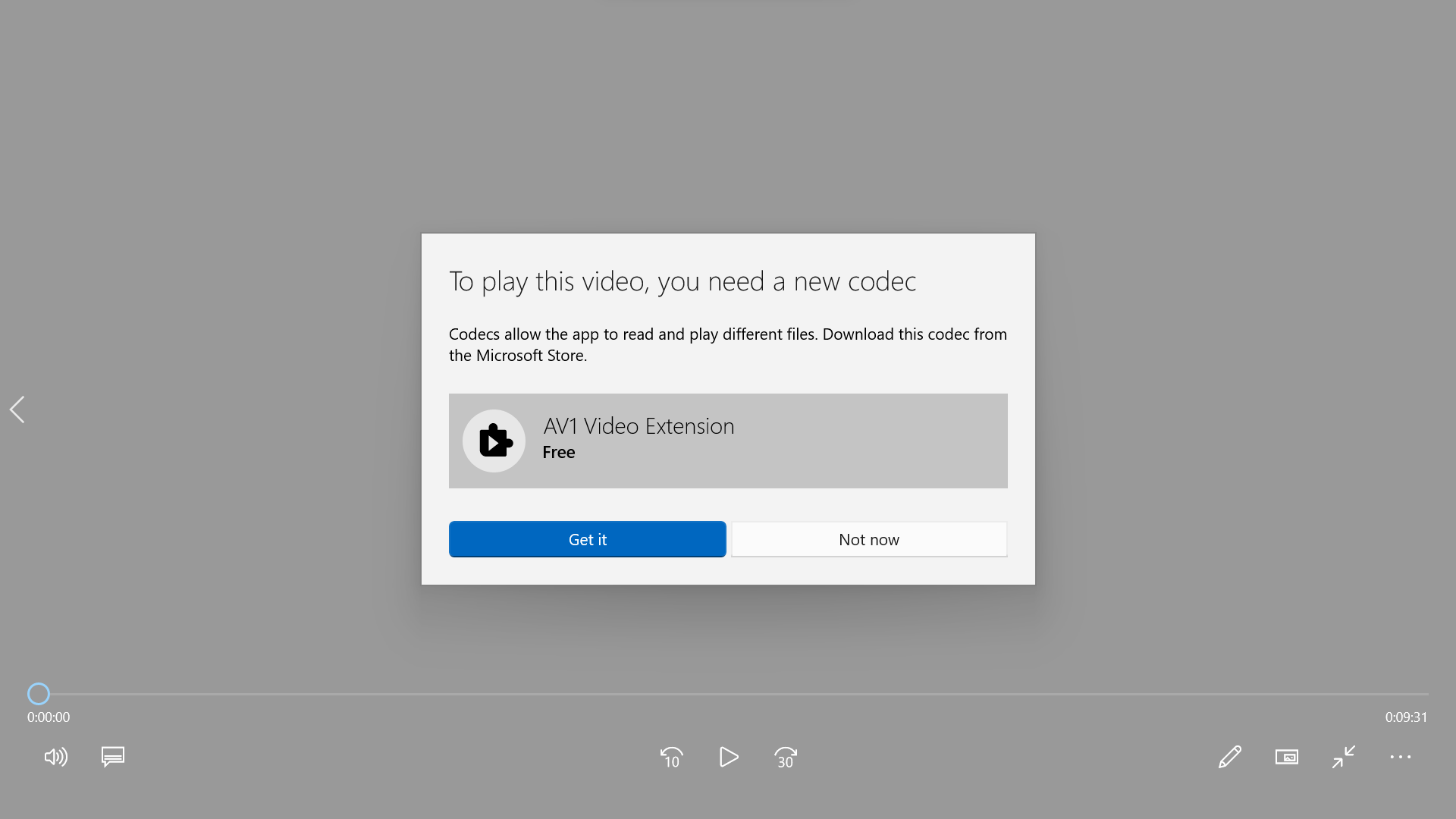
When opening a video using Films & TV app on Windows 10 / 11, you might face the issue of “To play this video, you need a new codec Codecs allow the app to read and play different files. Download this codec from the Microsoft Store. AV1 Video Extension” sometimes.
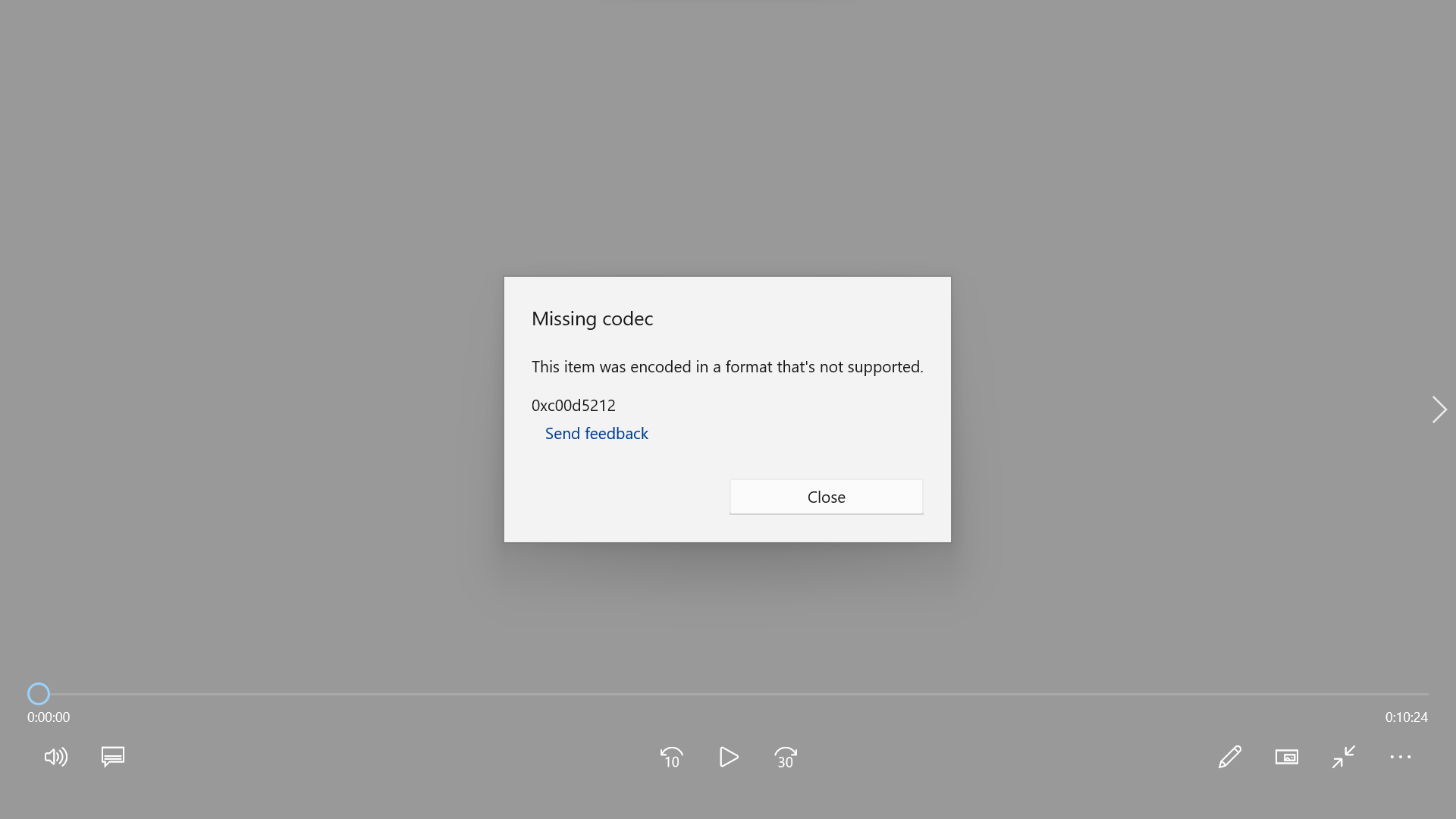
If you click ‘Not now’ button, you might see this error “Missing codec This item was encoded in a format that’s not supported. 0xc00d5212“.
To resolve this, there are two simple solutions.
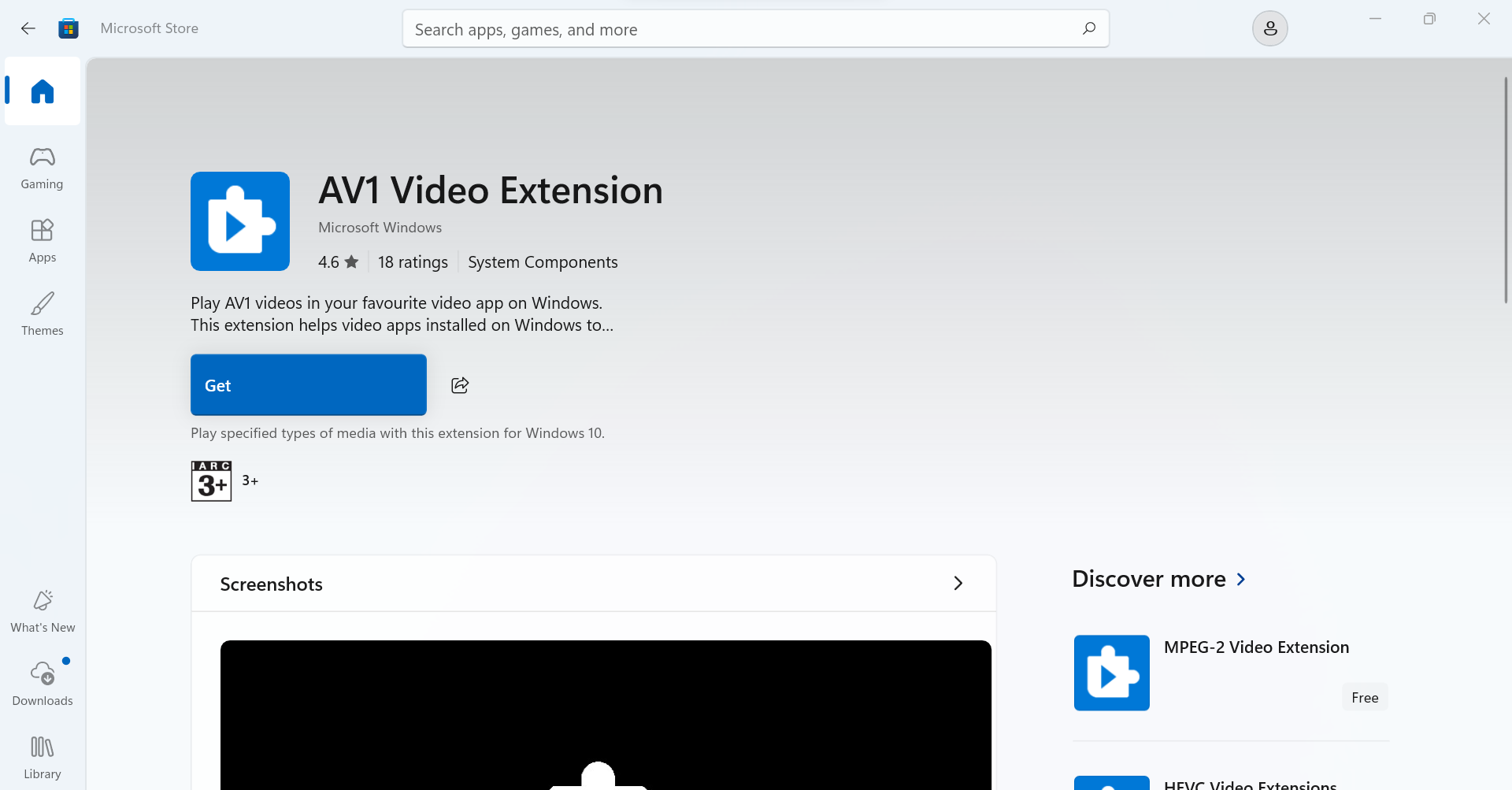
Solution 1: Download AV1 Video Extension in Microsoft Store
If your PC has an internet connection, you can download AV1 Video Extension from Microsoft Store. Once installed, you can open the video using Films & TV app.
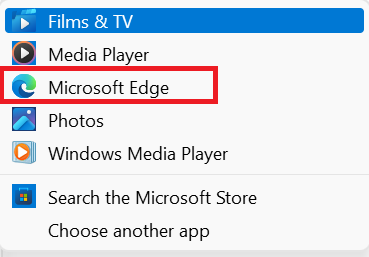
Solution 2: Open the video with Microsoft Edge
If your PC does not have an internet connection, you may open the video with Microsoft Edge. The video will be streamed in Microsoft Edge.